
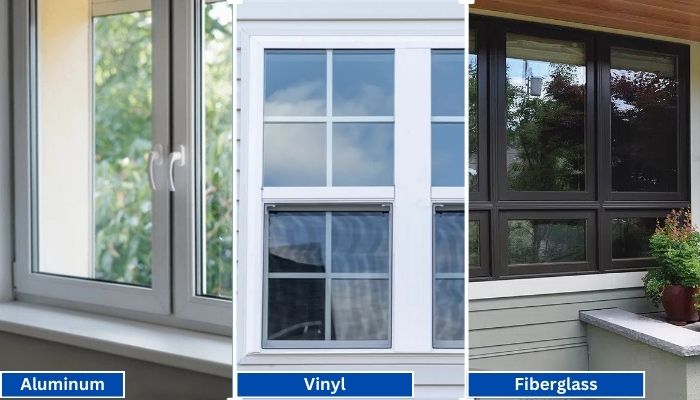
Vinyl generally has the shortest lead times because it is widely produced in standard configurations. Fiberglass is mid-range, especially for factory-painted colors.
Read More
PROUDLY CANADIAN COMPANY OWNED & OPERATED IN TORONTO SINCE 1989!
Vinyl generally has the shortest lead times because it is widely produced in standard configurations. Fiberglass is mid-range, especially for factory-painted colors.
Read More
Vinyl windows have become the go-to choice for homeowners in Toronto, thanks to their durability, energy efficiency, and low maintenance requirements. Whether you're upgrading your home for better insulation or enhancing
Read More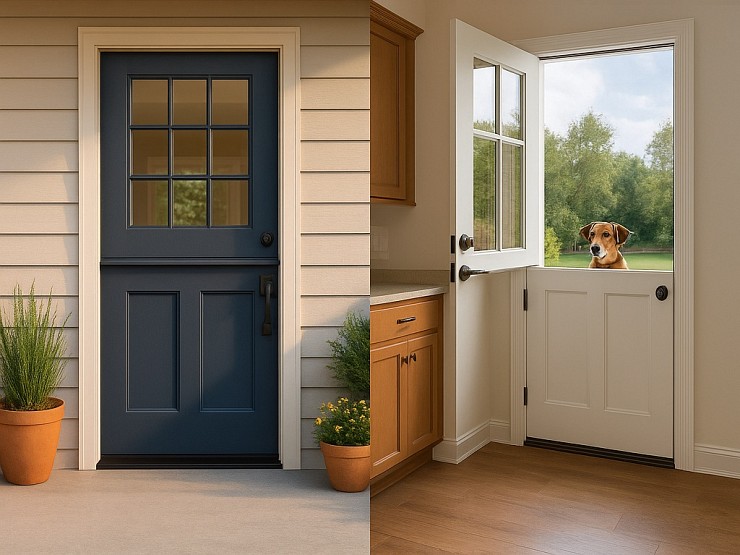
Thinking about changing your front door? A fiberglass Dutch door might have caught your eye. It’s not just a door. It’s part style statement, part smart functionality.
Read More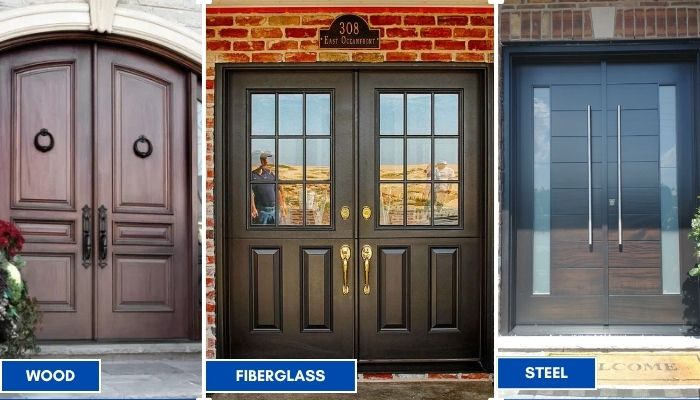
Thinking about replacing your front doors? Double doors are a bold upgrade. They look great, let in more light, and make moving big stuff easier. But the material you choose makes all the difference; especially here in Toronto.
Read More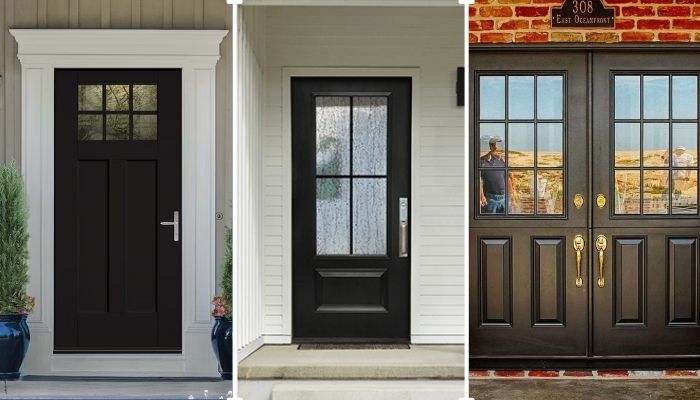
Thinking of giving your home that cozy, farmhouse charm? Let’s talk doors. Specifically, the fiberglass front doors in farmhouse style. You get the rustic look, without the rot, warping, or constant upkeep that comes with wood.
Read More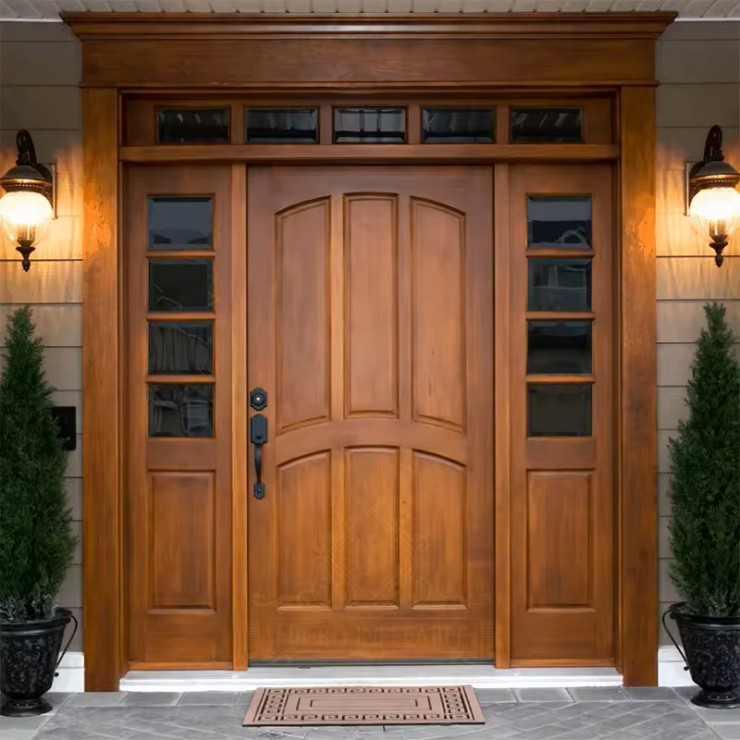
You want something that looks great, lasts long, and doesn’t stress you out with maintenance. You’re not alone. That’s exactly why more and more Toronto homeowners are choosing...
Read More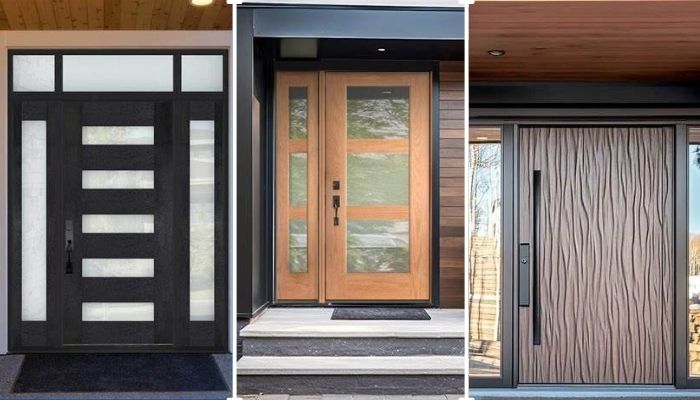
Thinking about replacing your front door? Let’s talk fiberglass. It's one of the smartest upgrades you can make, especially if you're living in Toronto. Whether your current door is drafty, outdated, or just plain boring.
Read More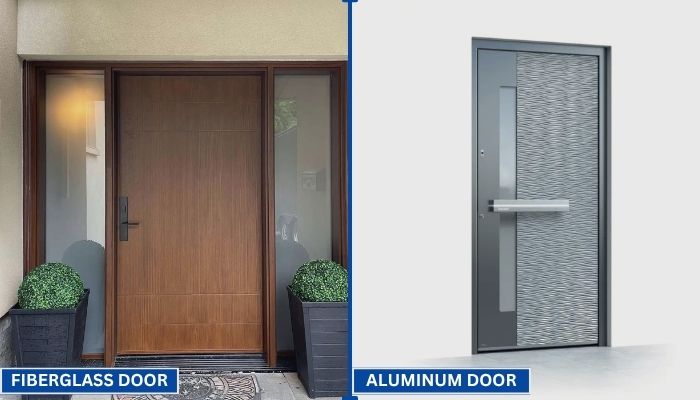
Your front door does more than just open and close. It protects your home, adds curb appeal, and helps control indoor temperature. That’s why picking the right door material matters.
Read More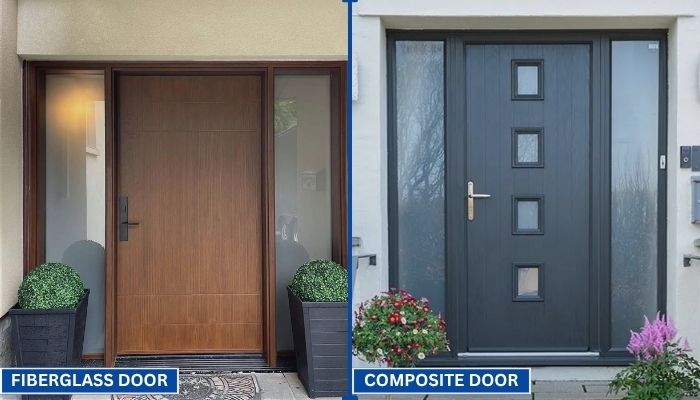
Choosing the right door can be confusing. You want something that looks good, lasts long, and keeps your home secure. Two of the most popular options today are fiberglass and composite doors.
Read More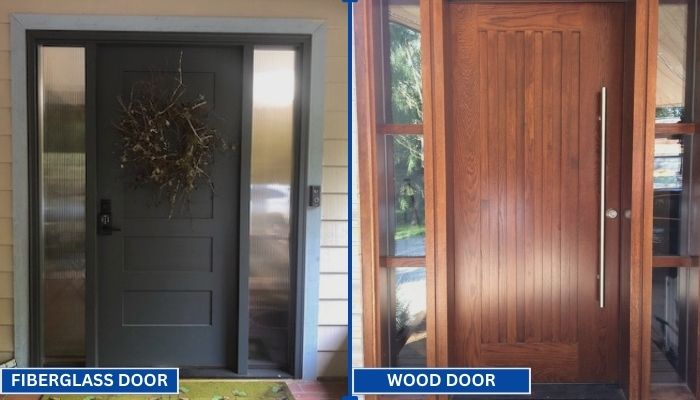
Replacing your front door is a big decision. Wood and fiberglass are two of the most popular materials for entry doors. Each has its own strengths in terms of style, durability, and maintenance. To help you choose the right one for your home, we have to go through a clear comparison.
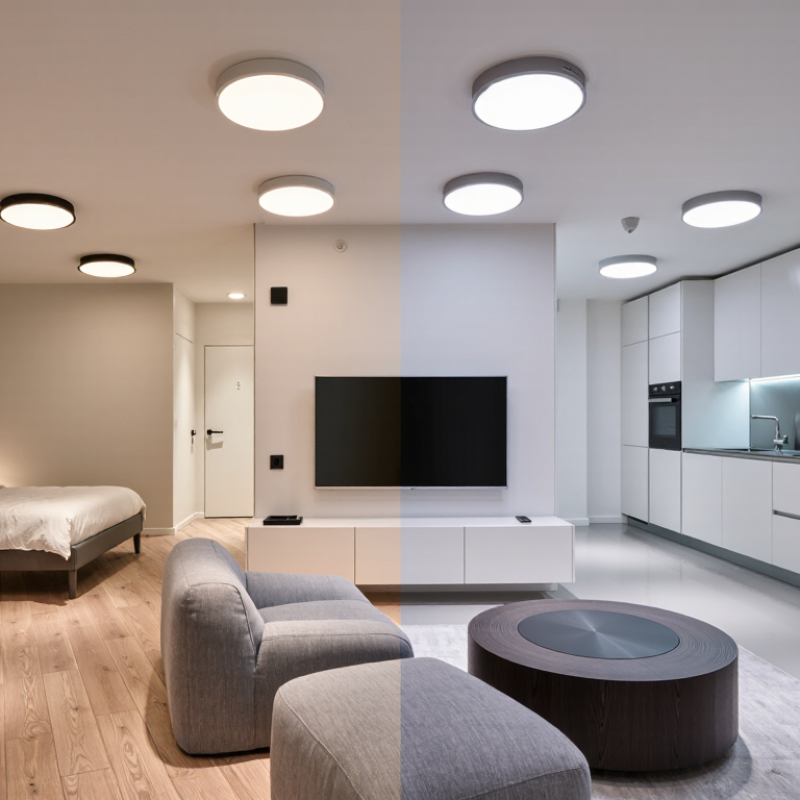
Read MoreChoosing the best Smart Downlight can transform how a room feels, functions, and saves energy. Yet brightness alone should not decide your purchase. A warm 2700K light may soften a bedroom, while a cooler 4000K setting can support focused kitchen tasks. I have found that ceiling height, room size, and wall color change the result more than many product descriptions suggest. Small details matter.
A reliable Smart Downlight should offer stable app control, smooth dimming, and compatibility with your existing smart-home system. Check whether it supports Wi-Fi, Bluetooth, Zigbee, or a preferred voice assistant before buying. Also review its color-rendering rating, beam angle, insulation rating, and installation requirements. A high CRI can make food, artwork, and skin tones appear more natural. In damp areas, suitable moisture protection is essential. Safety comes first.
Do not ignore heat management. Poorly ventilated fittings may reduce performance over time. Certified products from reputable manufacturers usually provide clearer safety information and better warranty support. Still, “smart” does not always mean better. Some lights need cloud access, lose settings after a power cut, or respond slowly during network problems. That can become frustrating.
Measure carefully. Read independent reviews. Ask a qualified electrician when wiring is uncertain. The ideal Smart Downlight balances comfort, control, efficiency, appearance, and long-term reliability. Your room may need fewer features than expected. That is worth considering.
How to Choose the Best Smart Downlight for Your Home?
Define Your Home’s Smart Downlight Requirements
Start with the room, not the app. Measure its size, ceiling height, and existing cutout diameter. A kitchen needs clear, bright light for food preparation. A bedroom usually benefits from softer, warmer illumination. I once selected lights by appearance alone. The result looked attractive but felt harsh at night.
Write down your practical requirements. Check the needed brightness in lumens, color temperature, and color rendering quality. For reading areas, high color accuracy matters. For bathrooms, confirm suitable moisture protection and follow local electrical codes. Dimming compatibility also deserves attention. Some smart downlights may flicker with older wall dimmers.
Think about daily control. Do you need voice commands, schedules, motion sensing, or simple phone control? Check wireless range between the light and your router. Thick walls can weaken signals. Review data privacy settings, software support, and the reliability of remote access. These details are easy to ignore.
Plan installation carefully. Confirm the ceiling depth, wiring condition, and available circuit capacity. A qualified electrician should handle uncertain wiring. Request clear technical documents and a suitable warranty. Testing one light before buying many is wiser. My assumptions may be wrong, especially in older homes, so leave room to revise the plan.
We’ll Come To You!
Quality New Windows & Doors. Competitively Priced!
Christine R.
Please, enter a valid value