
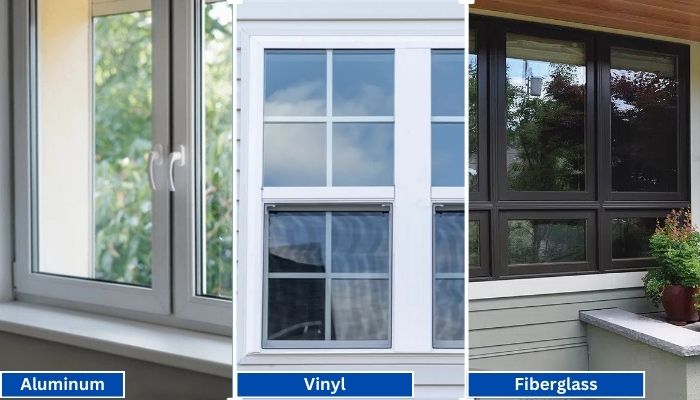
Vinyl generally has the shortest lead times because it is widely produced in standard configurations. Fiberglass is mid-range, especially for factory-painted colors.
Read More
PROUDLY CANADIAN COMPANY OWNED & OPERATED IN TORONTO SINCE 1989!
Vinyl generally has the shortest lead times because it is widely produced in standard configurations. Fiberglass is mid-range, especially for factory-painted colors.
Read More
Vinyl windows have become the go-to choice for homeowners in Toronto, thanks to their durability, energy efficiency, and low maintenance requirements. Whether you're upgrading your home for better insulation or enhancing
Read More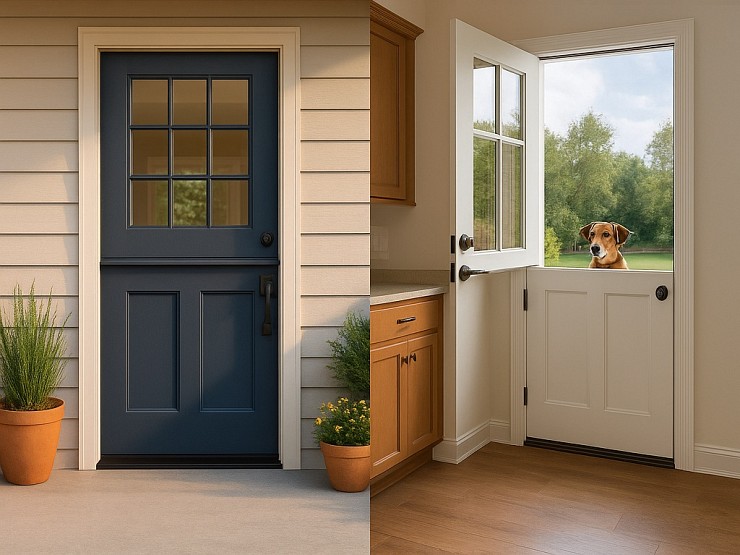
Thinking about changing your front door? A fiberglass Dutch door might have caught your eye. It’s not just a door. It’s part style statement, part smart functionality.
Read More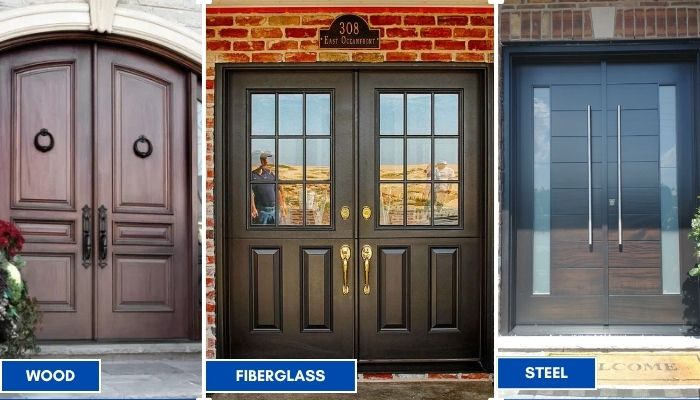
Thinking about replacing your front doors? Double doors are a bold upgrade. They look great, let in more light, and make moving big stuff easier. But the material you choose makes all the difference; especially here in Toronto.
Read More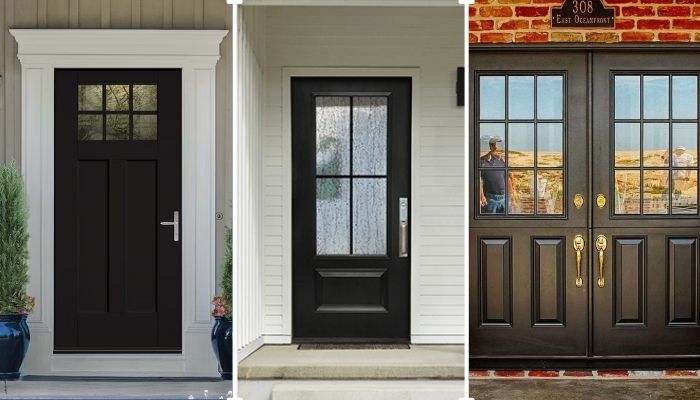
Thinking of giving your home that cozy, farmhouse charm? Let’s talk doors. Specifically, the fiberglass front doors in farmhouse style. You get the rustic look, without the rot, warping, or constant upkeep that comes with wood.
Read More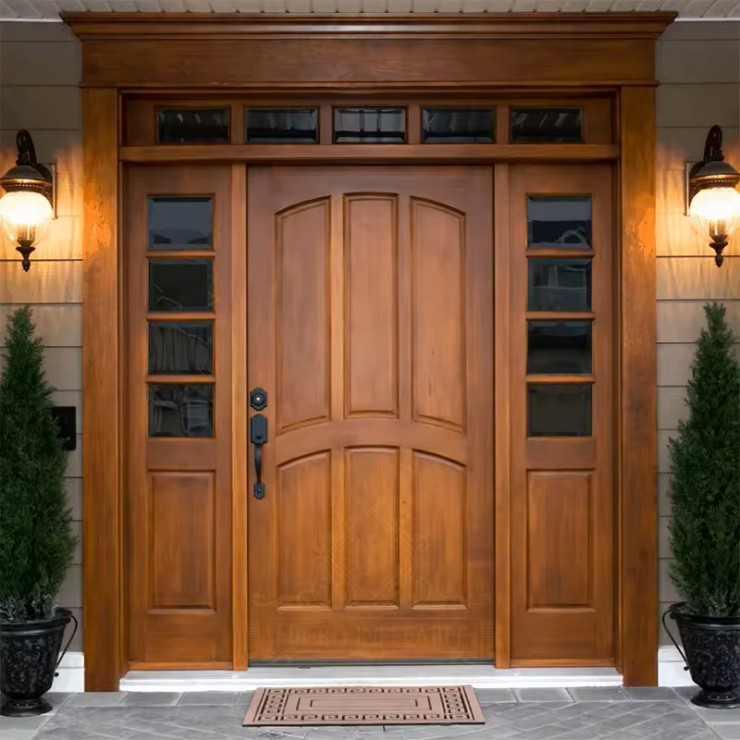
You want something that looks great, lasts long, and doesn’t stress you out with maintenance. You’re not alone. That’s exactly why more and more Toronto homeowners are choosing...
Read More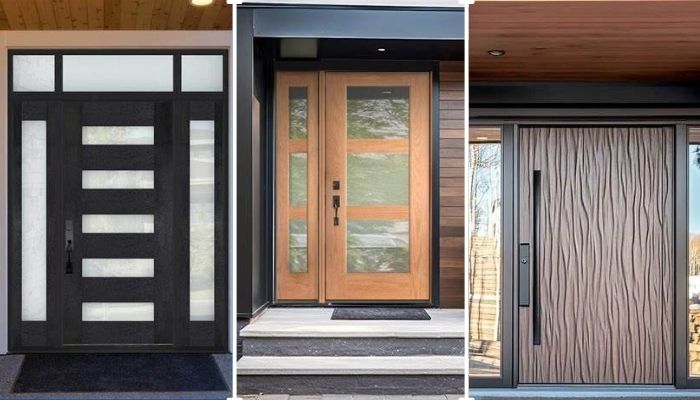
Thinking about replacing your front door? Let’s talk fiberglass. It's one of the smartest upgrades you can make, especially if you're living in Toronto. Whether your current door is drafty, outdated, or just plain boring.
Read More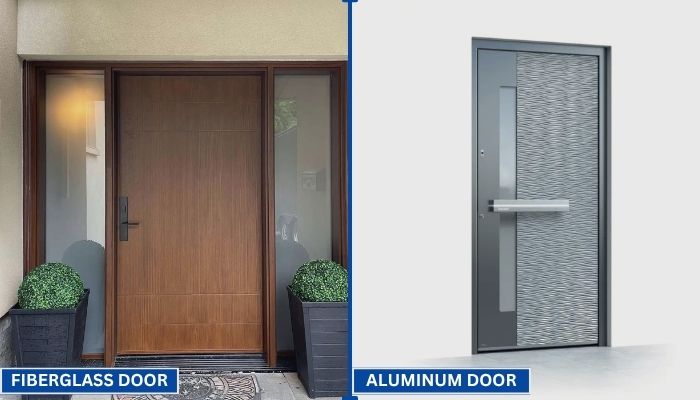
Your front door does more than just open and close. It protects your home, adds curb appeal, and helps control indoor temperature. That’s why picking the right door material matters.
Read More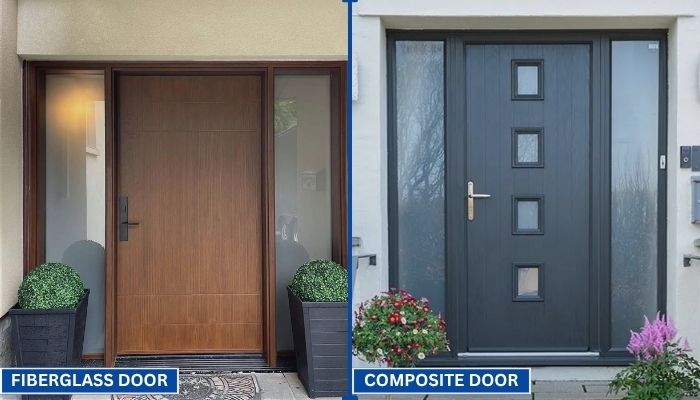
Choosing the right door can be confusing. You want something that looks good, lasts long, and keeps your home secure. Two of the most popular options today are fiberglass and composite doors.
Read More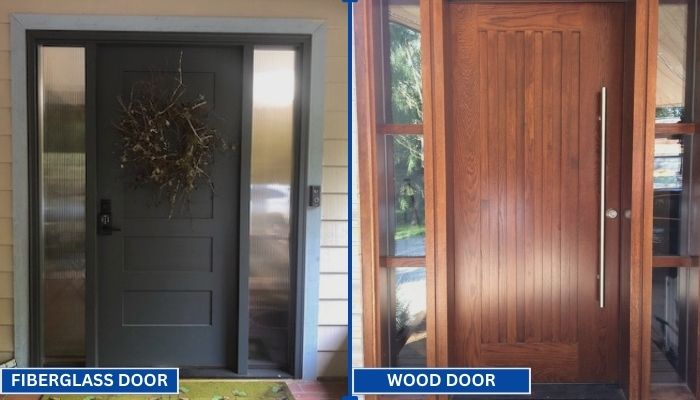
Replacing your front door is a big decision. Wood and fiberglass are two of the most popular materials for entry doors. Each has its own strengths in terms of style, durability, and maintenance. To help you choose the right one for your home, we have to go through a clear comparison.
Read MoreWinfort commercial smart locks are designed for controlled access in workplaces, hospitality venues, rental properties, and shared facilities. They can replace traditional keys with PIN codes, mobile credentials, cards, or managed user permissions. This makes daily access easier to organize. It also creates a clearer record of entry activity.
In a busy office, an administrator might give a contractor access for one afternoon, then remove it automatically. Hotel staff can manage room access without carrying large key rings. In warehouses, authorized workers can enter storage areas while other doors remain restricted. Schools, clinics, and apartment buildings may also use these locks for offices, utility rooms, and shared entrances.
Their value depends on careful setup. A lock should match the door type, traffic level, network environment, and emergency access plan. Battery status needs regular attention. So does user management. A forgotten account can become a real weakness.
Security is layered.
Winfort commercial smart locks support access control, but they cannot replace sound policies, staff training, lighting, cameras, or dependable maintenance. Installation quality matters, too. An incorrectly aligned latch may reduce reliability during heavy use. Privacy deserves consideration when access records are stored or reviewed. Businesses should confirm data practices, system compatibility, and local safety requirements before purchasing.
The best results come from treating smart locks as part of a broader security process. They offer convenience and accountability, but no technology is perfect. A practical review should examine daily workflows, failure scenarios, accessibility needs, and long-term operating costs.
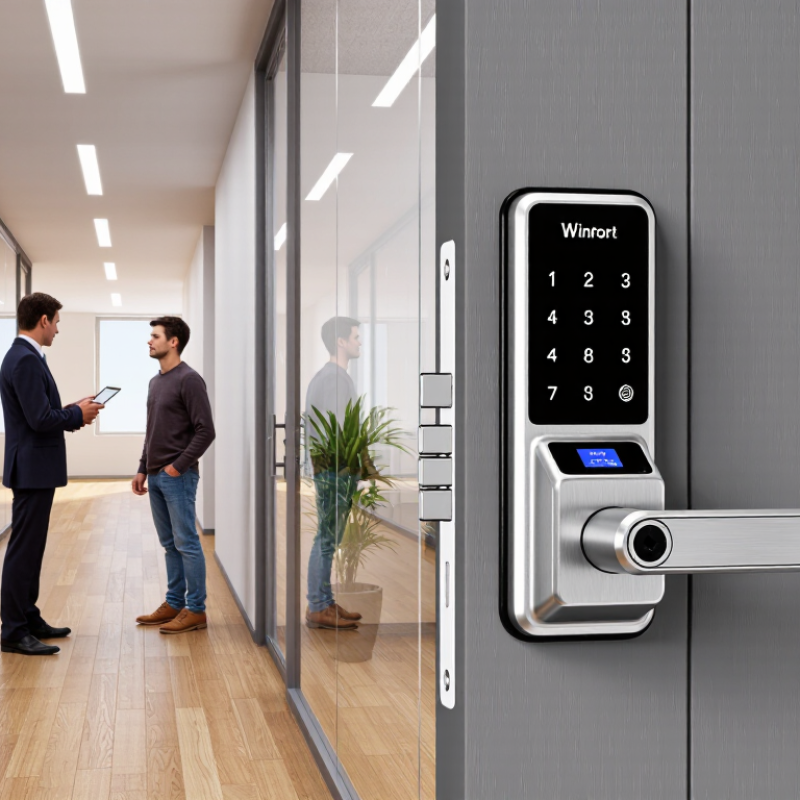
Commercial smart locks support controlled entry in offices, hotels, schools, clinics, warehouses, and rental properties. They replace many metal keys with mobile credentials, PINs, cards, or biometric verification. Facility teams can assign access by person, door, time, and role. They can also review entry records when a dispute occurs. A cleaner audit trail matters during shift changes and contractor visits.
Grand View Research projects the commercial smart lock market to grow at a 19.6% CAGR from 2024 to 2030. Its analysis reflects rising demand for connected security and centralized property management. Other industry studies, including MarketsandMarkets coverage of smart access systems, highlight cloud platforms, wireless connectivity, and integration with building management tools. Growth sounds impressive. Yet adoption is not automatic. Older doors, weak networks, and poor credential management can reduce real value. A lock may be advanced, but the installation can still be careless.
Tips: Start with high-traffic doors, such as reception entrances or storage rooms. Check fire-exit requirements and backup access before deployment. Use separate permissions for employees, visitors, and maintenance staff. Review access logs regularly, not only after an incident. Test battery alerts and offline operation every month. Data collection also needs restraint; retaining every movement forever may create unnecessary operational and privacy concerns.
We’ll Come To You!
Quality New Windows & Doors. Competitively Priced!
Christine R.
Please, enter a valid value